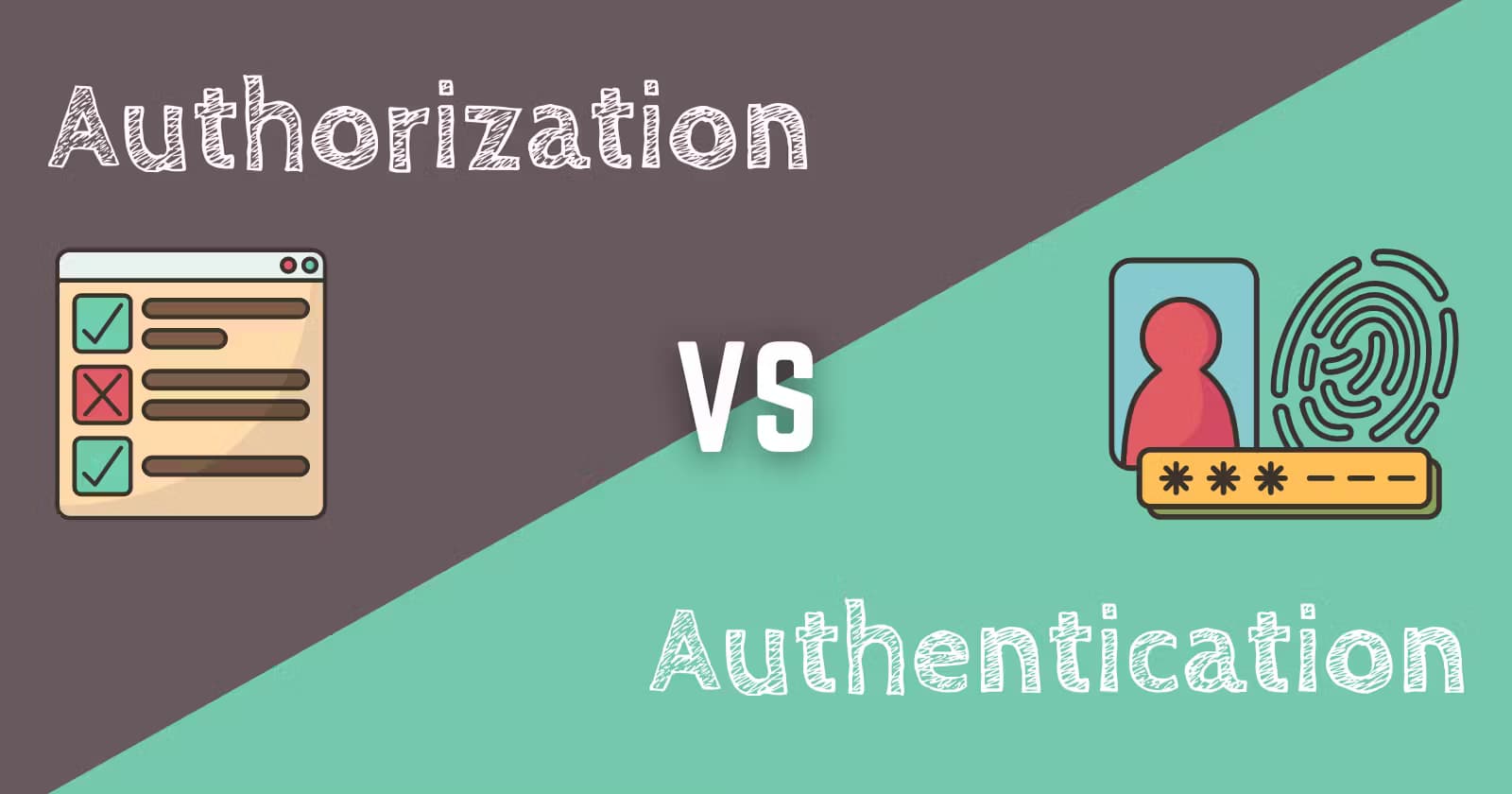
Authorization vs Authentication
Let's know deeply about☝️
🚀 Overview: Authentication vs Authorization in Web Development 🌐
If you’re diving into web development, you’ll often come across the terms authentication and authorization. While they may sound similar, they serve very different purposes in securing a system or application.
Let’s break it down:
Authentication: Verifies who you are. 🕵️♂️
Authorization: Determines what you can do. 🎟️
These two are the backbone of digital security, and understanding them is crucial for building secure web applications.

What is Authentication?

🌟 Authentication Made Interesting! 🌟
Authentication is like the ID check at a club 🕺💃—proving you are who you claim to be. Both clients and servers use it to verify identities. For instance:
Server Authentication: Ensures only legit users access the data. 🛡️
Client Authentication: Confirms the server is who it says it is. 🔐
How Does It Work? 🤔
Authentication is most commonly done using a username and password 🔑. However, modern methods like cards 💳, retina scans 👁️, voice recognition 🎤, and fingerprints 🖐️ are stepping up the game! While authentication confirms who you are, it doesn’t decide what you can do. That’s a job for authorization (stay tuned! 😉).
🚪 Methods of Authentication 🔒
1️⃣ Single-factor Authentication (SFA)
The simplest and least secure method. 🧑💻 Requires only a username and password.
📝 Example: Logging into a basic website for a side project.
2️⃣ Two-factor Authentication (2FA)
A more secure two-step process 🛡️:
Something you know (like your birth date 🎂 or school name 🏫).
Something you have (like an OTP 🔢 sent to your phone 📱).
3️⃣ Multi-factor Authentication (MFA)
🚨 The Fort Knox of authentication! Requires 2+ layers of security 🔐 from different categories.
💼 Used by banks 🏦, law enforcement 🚔, and financial institutions to stop hackers in their tracks. 💻🛑
🛠️ Authentication Techniques
1️⃣ Password-based Authentication 🔑
- User provides a password that matches their username in the system’s database.
💡 Easy but prone to hacking if passwords are weak.
2️⃣ Passwordless Authentication 📩
- Instead of passwords, users get an OTP or unique link via SMS or email.
✨ Improves security and user experience!
3️⃣ Single Sign-on (SSO) 🔗
- One login to rule them all! With SSO, users log in once and gain access to multiple apps.
🌐 Example: Google accounts logging into Gmail, Drive, YouTube, etc.
4️⃣ Social Authentication 👥
- Use social media credentials (like Google, Facebook) for easy, one-click access.
✅ A secure and seamless user experience!
❓ What is Authorization?

🔐 All About Authorization and Why It Matters! 🔐
🚪 Authorization is like the VIP area in a club—it determines whether you’re allowed in. After your identity is confirmed during authentication, authorization ensures you’re allowed to access certain areas, actions, or data based on rules set by the system.
📝 Other names: Access control, privilege control.
🛠️ Authorization Techniques
1️⃣ Role-Based Access Control (RBAC) 🎭
- Access is granted based on roles or profiles within an organization.
💼 Example: Managers can access sensitive reports, but interns cannot.
2️⃣ JSON Web Token (JWT) 🔐
A secure token (JSON format) used to share data between parties.
Includes a private/public key pair for verifying users and granting access.
3️⃣ OAuth 🔗
- A protocol that enables APIs to authorize access without sharing passwords.
✨ Example: Signing into a third-party app using your Google account.
4️⃣ OpenID Authorization 👤
- Focuses on verifying end-user identities during authentication.
5️⃣ SAML (Security Assertion Markup Language) 📜
- An open standard exchanging authorization credentials via signed XML documents.
🌐 Used by service providers for secure access control.
🔍 Authentication vs. Authorization
| Authentication 🕵️♂️ | Authorization 🎟️ |
| Verifies who you are. | Determines what you can do. |
| Done before authorization. | Done after authentication. |
| Requires login details (e.g., username & password). | Requires privileges or security levels. |
| Users can change some credentials (e.g., passwords). | Permissions are set by system owners/admins. |
| Example: Logging into an email account. | Example: Sending emails only if your role allows it. |
✈️ Real-World Analogy: The Airport Experience
Authentication:
- You show your ID to security to prove your identity.
🛂 "Yep, you’re who you claim to be."
- You show your ID to security to prove your identity.
Authorization:
- You present your boarding pass to access the plane.
🛬 "Yes, you’re allowed to board this flight."
- You present your boarding pass to access the plane.
🔒 Why Use Both?
🚧 Without authentication:
- How do you know who is accessing your system?
🚫 Without authorization:
- Even after verifying identity, they could have unlimited, dangerous access!
🛡️ Together, these processes ensure:
Identity verification. ✅
Controlled access. 🚪
📌 In Conclusion
🔑 Authentication = Verifying identity.
🎟️ Authorization = Verifying permissions.
These processes are inseparable for a secure system. Without one, the other becomes pointless. Whether you’re protecting a sensitive database or a simple app, both authentication and authorization are essential for ensuring the security and integrity of your system.
Thanks for reading! 🙌
💬 Have questions? Reach out to me on @utsavbhatrai007 on social media.
🔥 Stay Secure! 🔥
Just a minute👇
if( Do you like the blog🤩? ) {
   console.log("Don't forget to give reactions and your views in the comments😉")
}
else{
   console.log("Thanks for reading💖")
}